Personalised photo coasters and fridge magnets: a practical guide
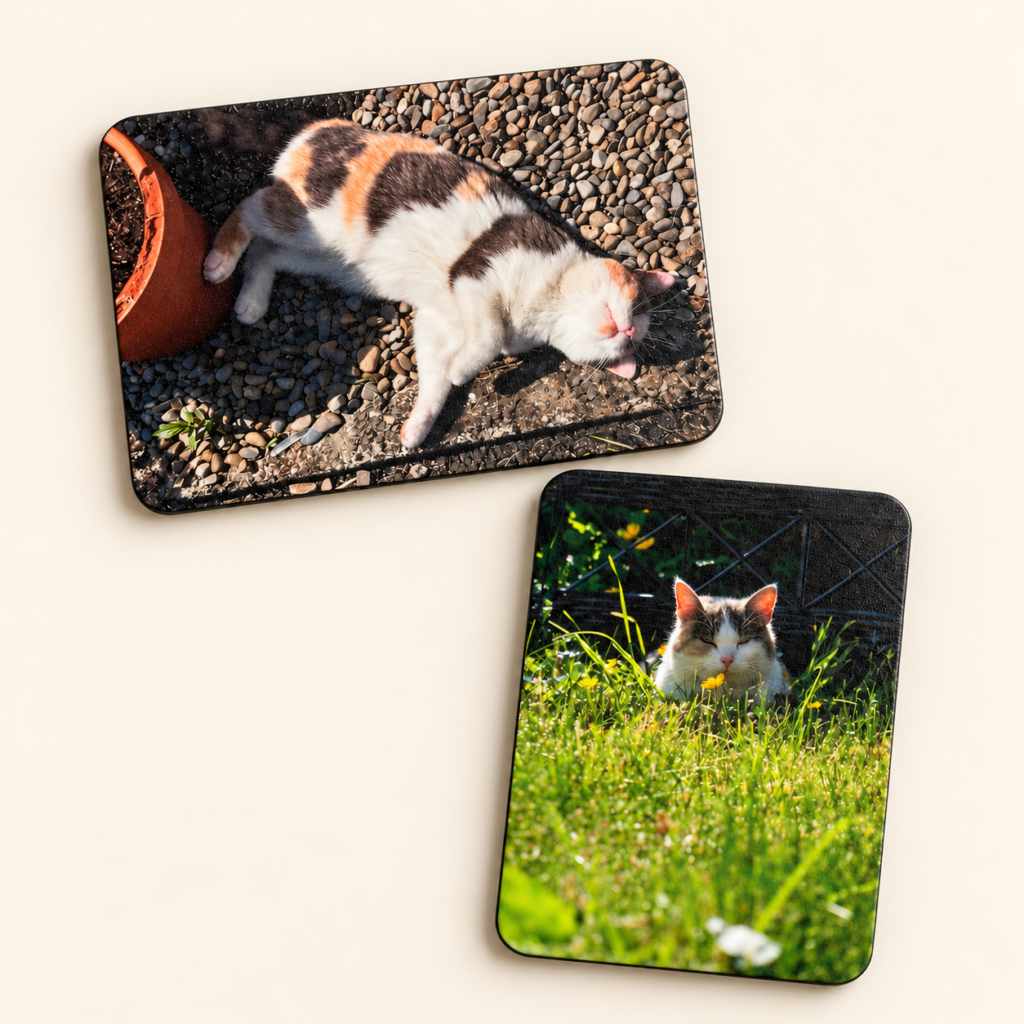
A photo coaster or fridge magnet can make a small gift feel personal without needing a large display space. Both use your own pictures, but they suit different places in the home. This guide explains the sizes, packs and photo choices available from GlennCraft in Co. Meath.
Photo coasters: a round 10 cm print area
Personalised printed coasters are 10 cm across and UV printed with your photograph or artwork. The round shape is important when choosing a picture: the corners of a rectangular photo will not all fit inside the circle.
Choose a photo with some space around the subject. Keep faces and text towards the centre, then check the preview. A tightly cropped group photograph may work better on a rectangular print if people near the edges would be cut off.
Photo fridge magnets: 5.5 × 7.5 cm
Personalised photo fridge magnets are 5.5 × 7.5 cm. The rectangular format suits portraits and small everyday snapshots. The same blank can be rotated for a landscape layout.
A simple subject usually reads more clearly at this size than a picture filled with tiny details. Try a favourite pet portrait, a family moment or a photo from a trip. Always review the crop in the orientation you want.
Choose a pack of 2, 4, 6 or 8
Start by selecting the pack size on the product page. The current price appears beside your options. Choose the number of finished coasters or magnets you want, then use the quantity control only if you need more than one of that pack.
For example, one pack of four contains four items. Increasing the quantity to two means two packs. Check the selected pack and quantity in your basket before checkout.
Use the same photo or a different one for every item
Choose “Same photo on all” for a matching pack. Choose “Different photos” to open a numbered upload slot for each item in the selected pack. A pack of four then gives you four photo slots, so you can make a small collection rather than repeat one picture.
Use the original image where possible. Screenshots and files saved from social media may have lost detail. Read the guide to choosing a photo for a personalised gift if you are unsure.
Check the layout before you add the pack
Review each preview after uploading. Filling the shape may crop the edges; keeping the whole photograph may leave a border. Add wording or layout requests to the item instructions rather than relying on the filename to explain what you want.
Pair coasters and magnets in a gift set
If you want both products, compare the matching photo gift sets. Little Moments includes two photo coasters and two magnets; Kitchen Memories includes four photo coasters and two magnets. The set page lists the exact contents and current saving.
Every item is made to order. Check production and delivery information when planning a gift for a particular date, or contact Glenn if you need help choosing a layout.